THE ESSENTIALS
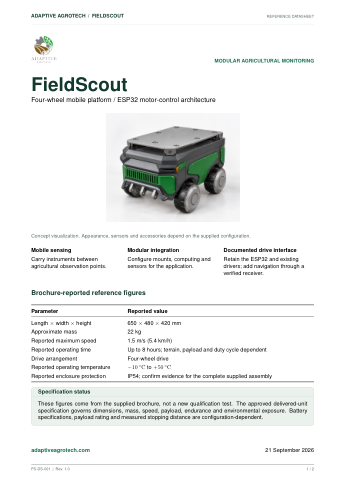
Robot datasheet
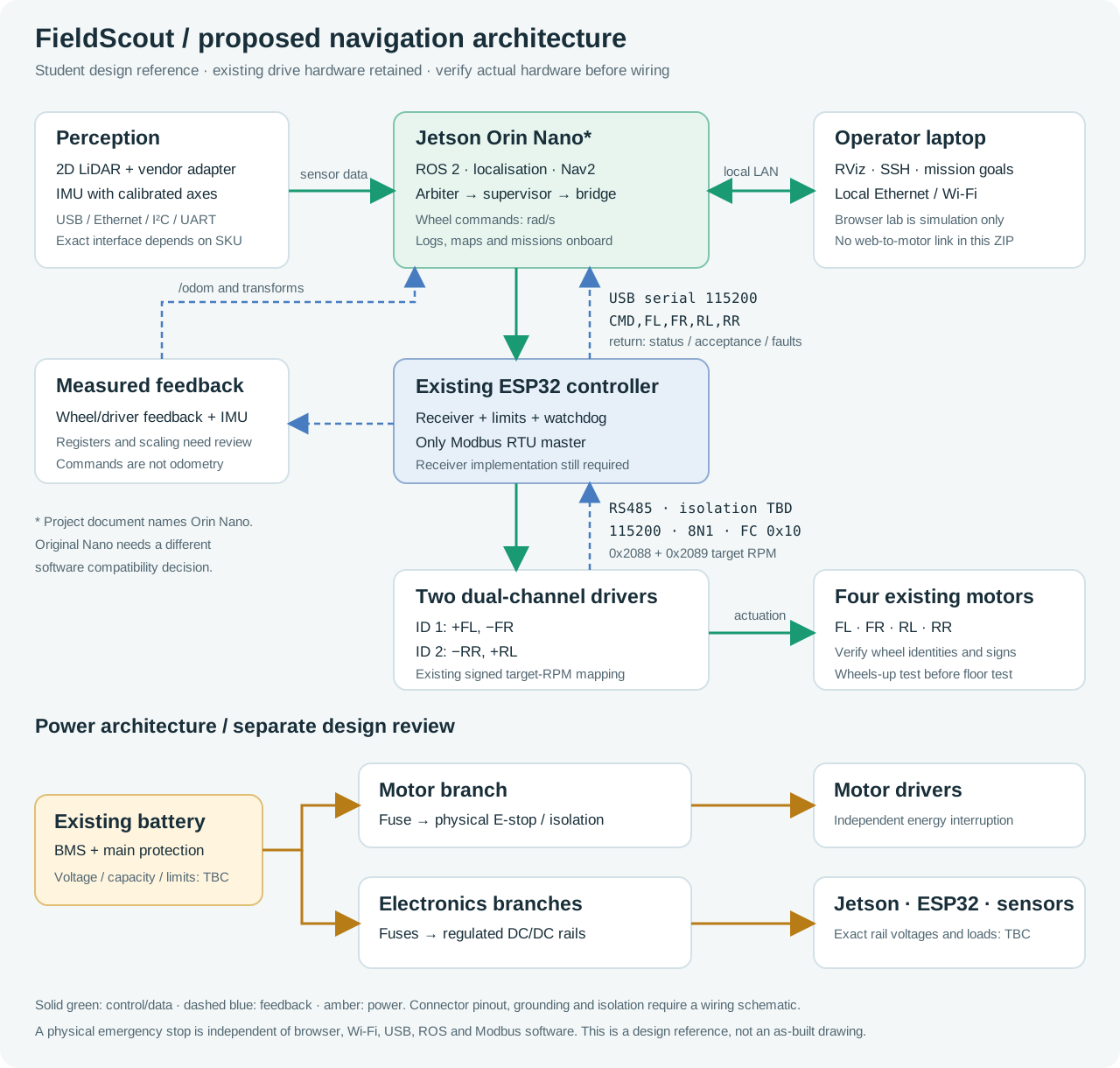
Dimensions, architecture and specification status in a concise format for quick reference.
 FieldScoutNavigation studio
Student toolkit
Download the robot documentation below. Use the student brief and worksheets as your project develops. The full build plan, command interface and 77 answers are available in the pages above.
Printable documentation · included in this package
Open a guide to read or print it, or download your own copy. These reference editions distinguish the documented configuration from items that require delivery-specific confirmation.
THE ESSENTIALS
Dimensions, architecture and specification status in a concise format for quick reference.
FIRST STEPS
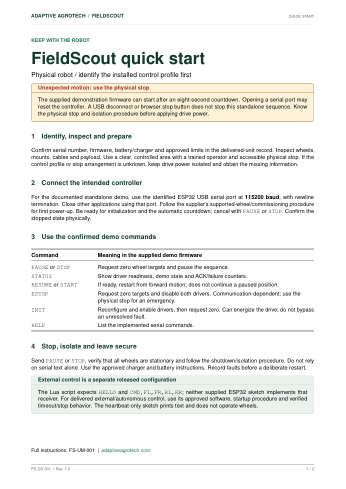
A short operating checklist, control-profile identification and the first supervised checks.
THE COMPLETE GUIDE
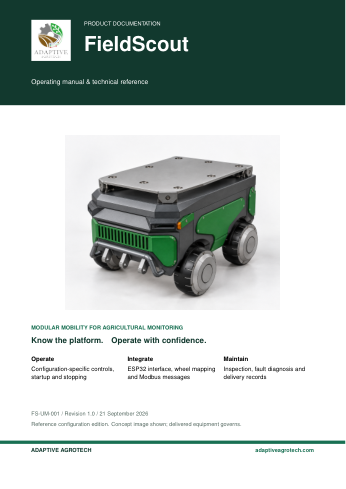
Controls, interfaces, commissioning, maintenance, troubleshooting and delivery records.
The separate eight-page student brief explains the task, deliverables and integration sequence.
CSV worksheets open in a spreadsheet application. Command specimen JSON files are marked simulation_only and are not a live command service. Modbus vectors are protocol examples, not physical test captures.
How to use the package
Keep the folder structure intact. The site works offline; external technical documentation needs an internet connection. The integrated 3D explorer needs WebGL; it opens in the same page as the project overview.
From this folder, run:
python -m http.server 8000
Open http://localhost:8000. A static web host can also serve this folder directly; no database or build step is needed.
Keep learning
These are public manufacturer and ROS documentation links. Select the exact Jetson model before choosing an OS and pin the versions that your team validates.