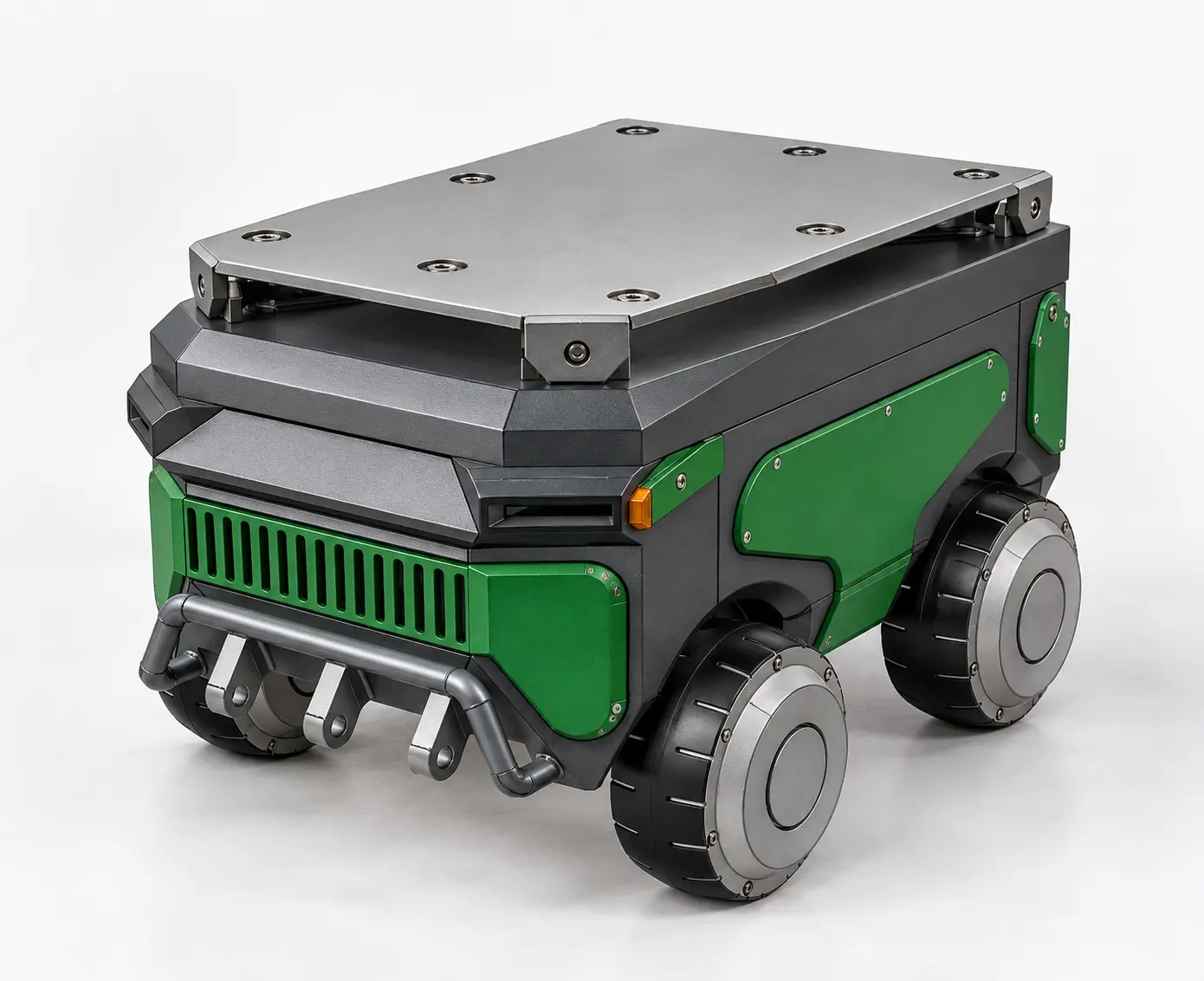
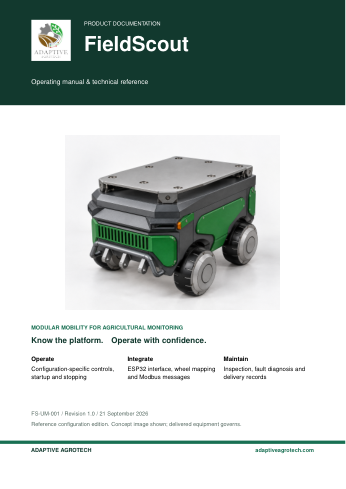
A modular four-wheel platform for agricultural monitoring. Inspect the original assembly, try differential steering, and develop LiDAR navigation around the existing motor controller.
¹ Brochure reference figures. Runtime depends on terrain and payload. Confirm the delivered unit’s dimensions, weight and performance before using these values for installation or acceptance.
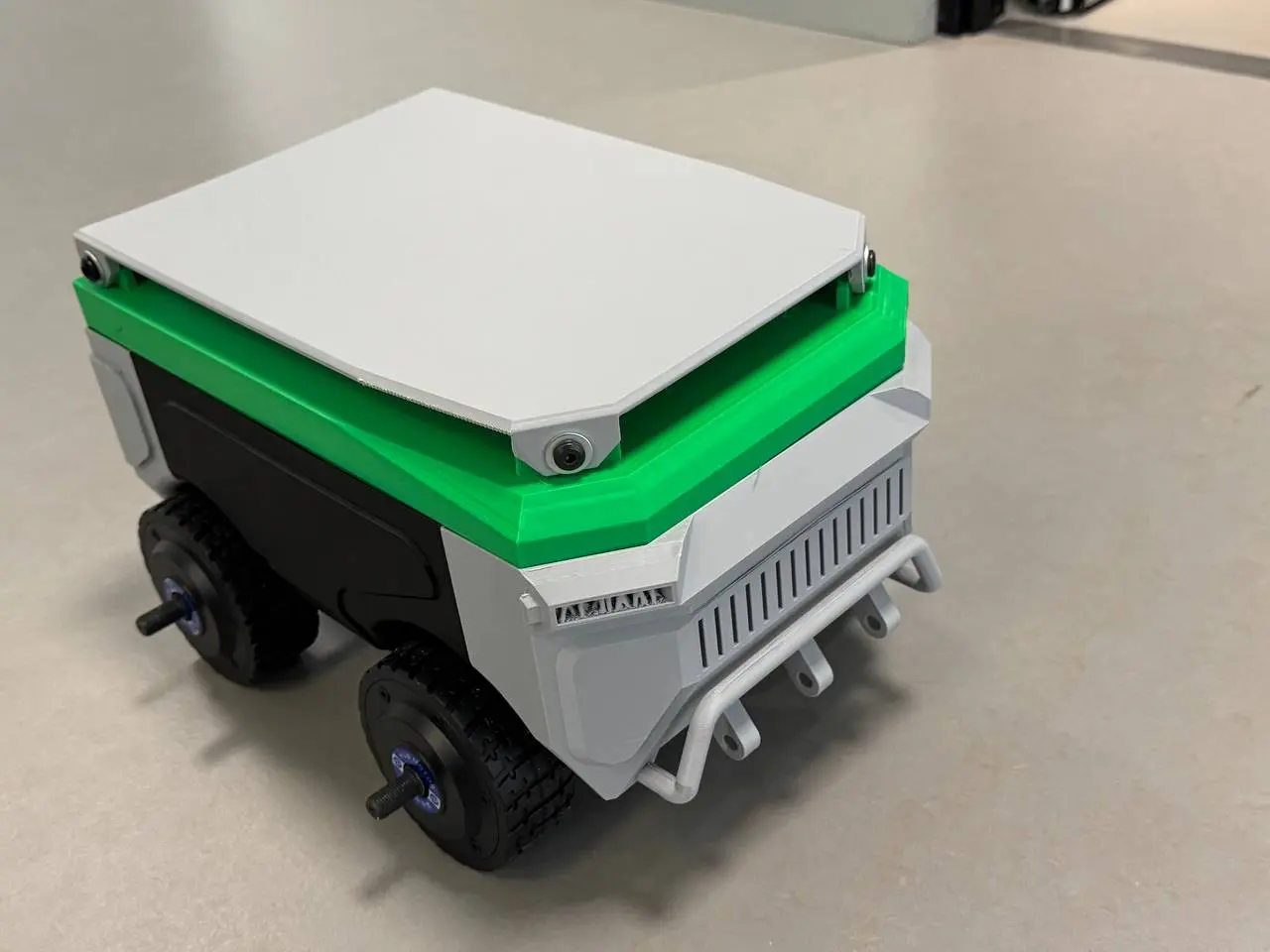
Modular body, accessible upper deck and four independently driven wheels. The photograph documents the prototype; it does not certify its specifications.
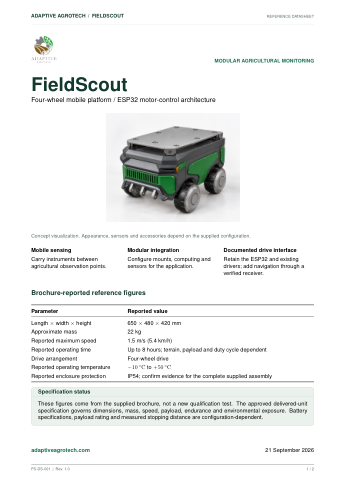
Brochure reference specifications
Overall dimensions
650 × 480 × 420 mmLength × width × height
Weight
Approximately 22 kg
Reported maximum speed
1.5 m/s · 5.4 km/h
Reported operating time
Up to 8 hoursDepends on terrain, payload and duty cycle
Drive arrangement
Four-wheel drive · differential steering
Reported protection
IP54Reported rating; no certification report supplied
Reported temperature range
−10 °C to +50 °C
These are brochure values, not measured acceptance results. Payload rating, battery capacity, slope capability and stopping distance remain to be confirmed for the supplied unit.
High-level processing
Jetson navigation computer
The project documents specify Jetson Orin Nano. Confirm the exact board before selecting its OS and power converter: the original Jetson Nano is a different hardware generation. Students integrate LiDAR, IMU, localisation and planning.
The existing ESP32 controls two dual-channel wheel drivers over RS485 Modbus RTU. Four logical wheel commands are mapped to the correct channels and polarities.
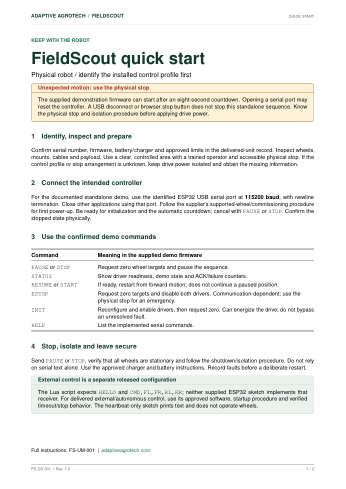
Start in simulation, validate the receiver and watchdog, then test with wheels raised before supervised ground trials. Command acknowledgements do not prove wheel motion.
Why do the CAD model and simulation use different dimensions?
The brochure, CAD assembly and Lua controller are separate reference profiles. Do not combine their numbers into a single certified specification.
Reference
Dimensions / mass
How to use it
Brochure
650 × 480 × 420 mm; ≈ 22 kg
Reported product envelope and weight; verify the delivered robot.
Lua simulation
Body box: 397.55 × 240 × 189.34 mm; nominal total mass: 26 kg
The body box excludes the complete assembled envelope. Nominal mass is a simulation setting.
Lua wheel geometry
107 mm wheel diameter; 250 mm track; 200 mm wheelbase
Kinematic reference for command conversion. Calibrate effective track width on the real surface.
2D Drive Lab
460 × 340 mm drawing; 300 mm collision radius
Teaching simulation footprint, including wheels. It is not a measurement of the physical robot.
Original 3D assembly
Approximately 397.6 × 319.6 × 252.6 mm assembled CAD envelope
Calculated from the original model geometry. The driving view retains its wheel positions and uses a 53.5 mm reference wheel radius. This is not an as-built measurement.
Printable documentation · included in this package
Three guides. One complete reference set.
PDF · A4 · offline access
Open a guide to read or print it, or download your own copy. These reference editions distinguish the documented configuration from items that require delivery-specific confirmation.
THE ESSENTIALS
Robot datasheet
Dimensions, architecture and specification status in a concise format for quick reference.
Drive the original 3D model forward and backward, turn in place or follow an arc. Watch the left and right wheels rotate at different speeds. This is a manual browser simulation; the separate Drive Lab demonstrates path planning and obstacle avoidance.
3D driving practice
Preparing the original model and driving controls…
Original interactive engineering model
Every angle. Every component.
Inspect FieldScout's original CAD assembly. Rotate, separate, hide and isolate the supplied CAD components while planning your navigation hardware.
Explore the original robot.
Six original model assets, four wheel instances and a complete exploded assembly. The viewer loads as this section enters view.
Drag to orbit · scroll to zoom · select a component to inspect it.
Original geometry, not a simplified substitute. Fit restores the full assembly in the current camera view; Reset also restores its assembled state. The CAD envelope is a model measurement, not a verified dimension of the delivered robot.
The Q&A separates established facts, proposed project choices and company decisions. Use the BOM, test record and decision log to create a reproducible handover.